How do the pieces lock into place?
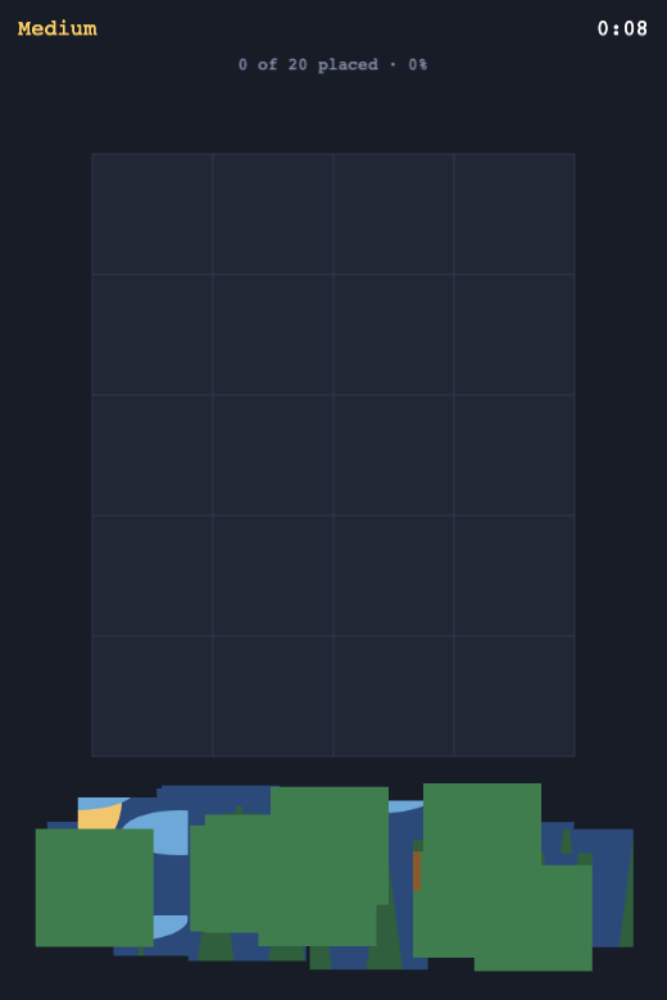
A piece snaps into the picture only when it reaches its own position. If it is close but wrong, the player can keep moving it instead of losing time on a penalty. That behaviour makes the drag interaction forgiving while preserving the satisfaction of finding the right fit.
Can I choose how difficult the puzzle is?
The sample offers three grid sizes, which change how many pieces must be placed. A smaller board is a gentler first puzzle; a larger one asks the player to notice more edges and details. Best times are saved separately for each size.
Do the pieces stay visible while I play?
The layout keeps scattered pieces reachable on the screen rather than sending them off to a separate tray. Progress and a clock remain available as the picture takes shape. If you create another jigsaw, make sure a player can still see enough of the image to recognise useful patterns.