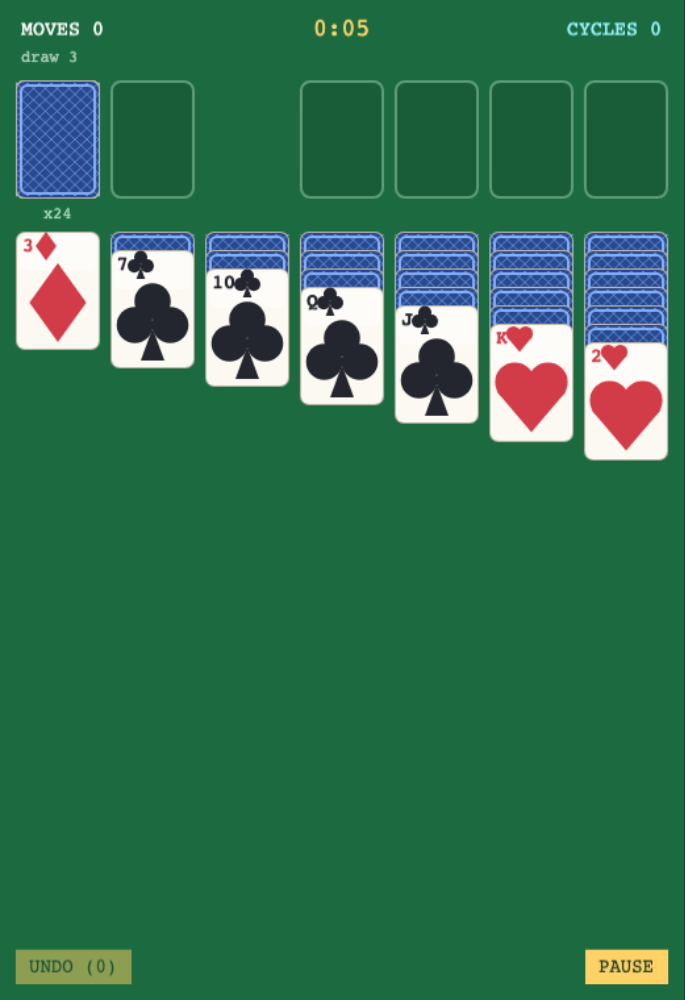
What is the difference between draw one and draw three?
Draw-one turns over a single stock card at a time, while draw-three reveals a group. Players can choose the mode that fits their preferred level of difficulty. Best times are kept separately, so each choice has its own record. The stock recycle rule makes it easier to understand whether a deal rewards patient sequencing or a lucky draw.
Can I undo a move?
The game offers unlimited counted undo, so a player can return to an earlier board and try another route. Legal targets are highlighted while cards or runs are dragged, and double-tap can move a card automatically when there is a valid destination.
Will a deal remain open if I leave?
Autosave stores the current game and offers a continue option when the player comes back. Seeded deals can also be restarted, letting someone try the same layout again. Those features are useful for a patient card game that may span more than one sitting.