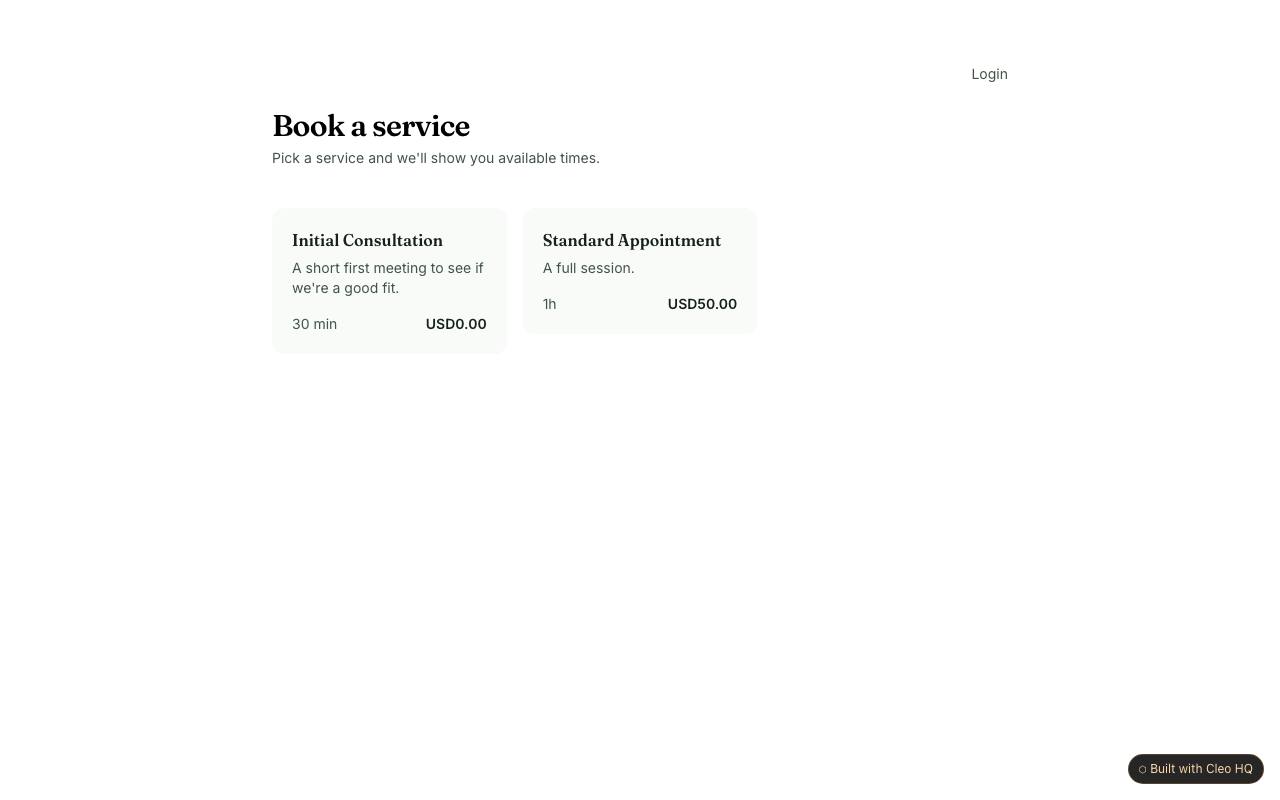
What should customers know before choosing a booking slot?
They should understand which service they are booking, how long it takes, where it happens, and whether the displayed time is local to them. The example places calendar choices at the centre of the journey, so the surrounding page needs to answer those questions before a customer commits. Include any preparation requirements or eligibility limits that could make a chosen slot unsuitable.
Which contact details should a booking form request?
Ask only for details that help confirm and deliver the appointment, such as a name and a reliable way to reach the customer. The sample captures contact information after a person chooses a time. If you need extra context, explain why; a short optional note is often less burdensome than asking every visitor to complete a long intake form.
What should happen after someone requests an appointment?
Tell the customer whether the time is confirmed or still awaiting approval, and give them a way to correct a mistake. The booking flow is only complete when the visitor understands its outcome. A confirmation should repeat the service and selected time, say how changes are handled, and tell the customer when to expect a reply if the request is not yet final.