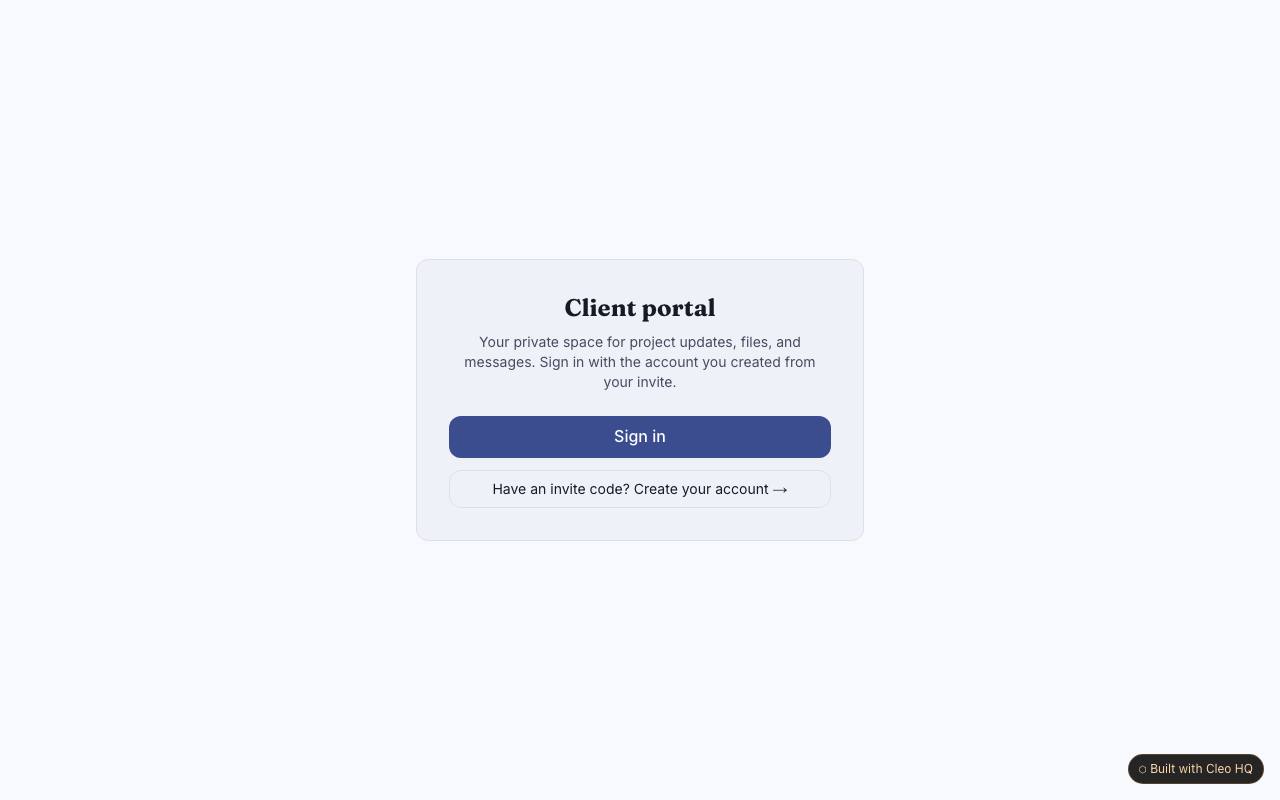
What should a client see when they open the portal?
Give them the latest useful update first, then make project notes and shared resources easy to locate. A client should not have to search through an internal dashboard to learn what is happening. The example uses invitation access and client-specific threads; tailor the first view to the questions clients ask most often, such as current status and what you need from them.
How can a team keep client information separated?
Treat every note, link and update as belonging to a specific client, and review the recipient before sharing sensitive material. Invitation codes help control entry, but staff habits still matter when posting a file or reply. The sample creates separate client spaces; define who can invite users and remove access when a relationship or project ends.
What belongs in a client update thread?
Use the thread for decisions, progress notes and questions that both sides may need to revisit. Keep internal discussion elsewhere, and attach a link with enough context that the client knows why it matters. The example combines updates with shared notes and links; agree on a response rhythm so clients know when a message is likely to be answered.