How should I explain different ticket types?
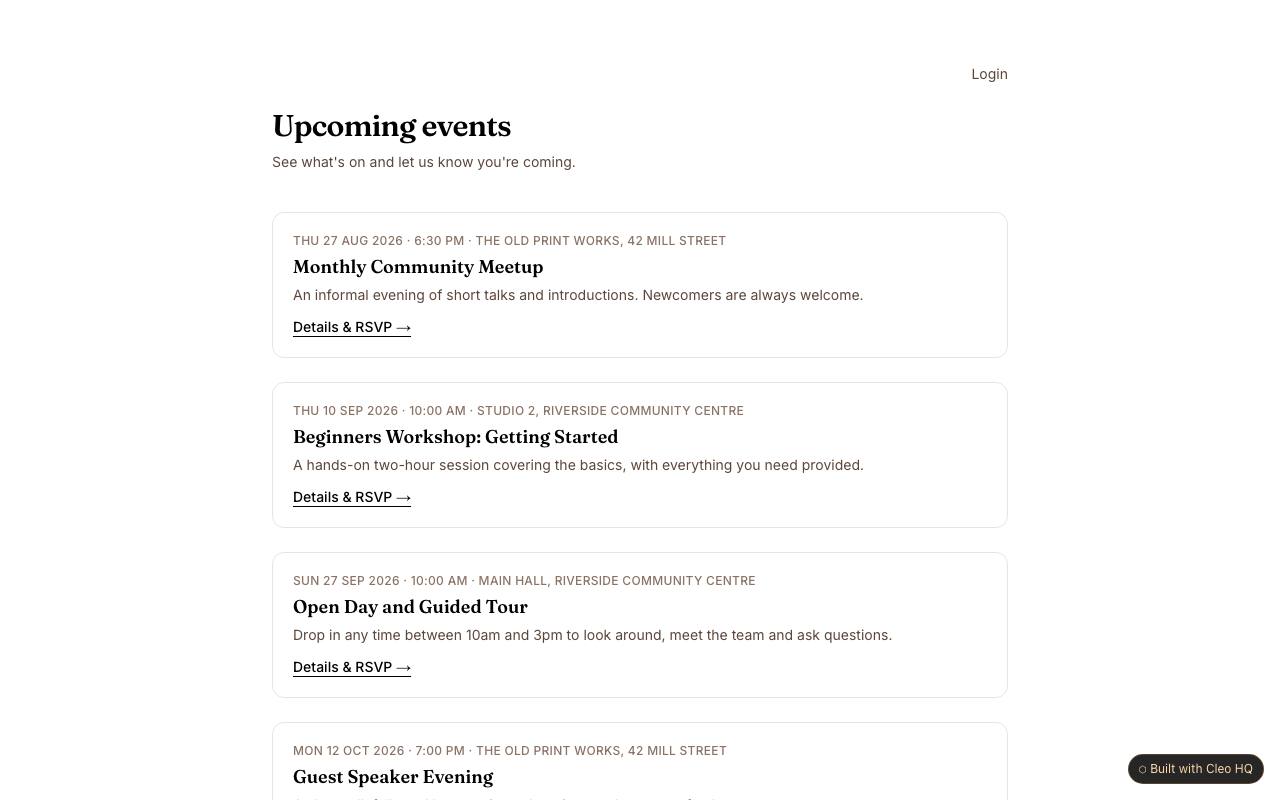
Describe the practical difference a buyer receives, such as entry time, seating, included materials, or access to a session. Avoid names like “gold” or “premium” without explaining what they mean. The sample displays per-event ticket choices and availability; make prices and restrictions visible before checkout so attendees can compare options confidently.
What should happen if the last ticket is being purchased?
The page should prevent two buyers from believing they secured the same final place. Explain when a ticket is held during payment and what the attendee will see if availability changes before checkout finishes. The example shows current availability and paid checkout; set a clear response for a sold-out option and offer a way to return to other ticket choices.
Which details belong in a ticket confirmation?
Include the event name, date, venue, ticket type, quantity and a clear way to find the order again. Mention entry requirements or schedule changes that buyers should know before arriving. The ticketing flow is only useful when the purchase leads to reliable event information, so decide how attendees will be notified if the organiser changes the plan.