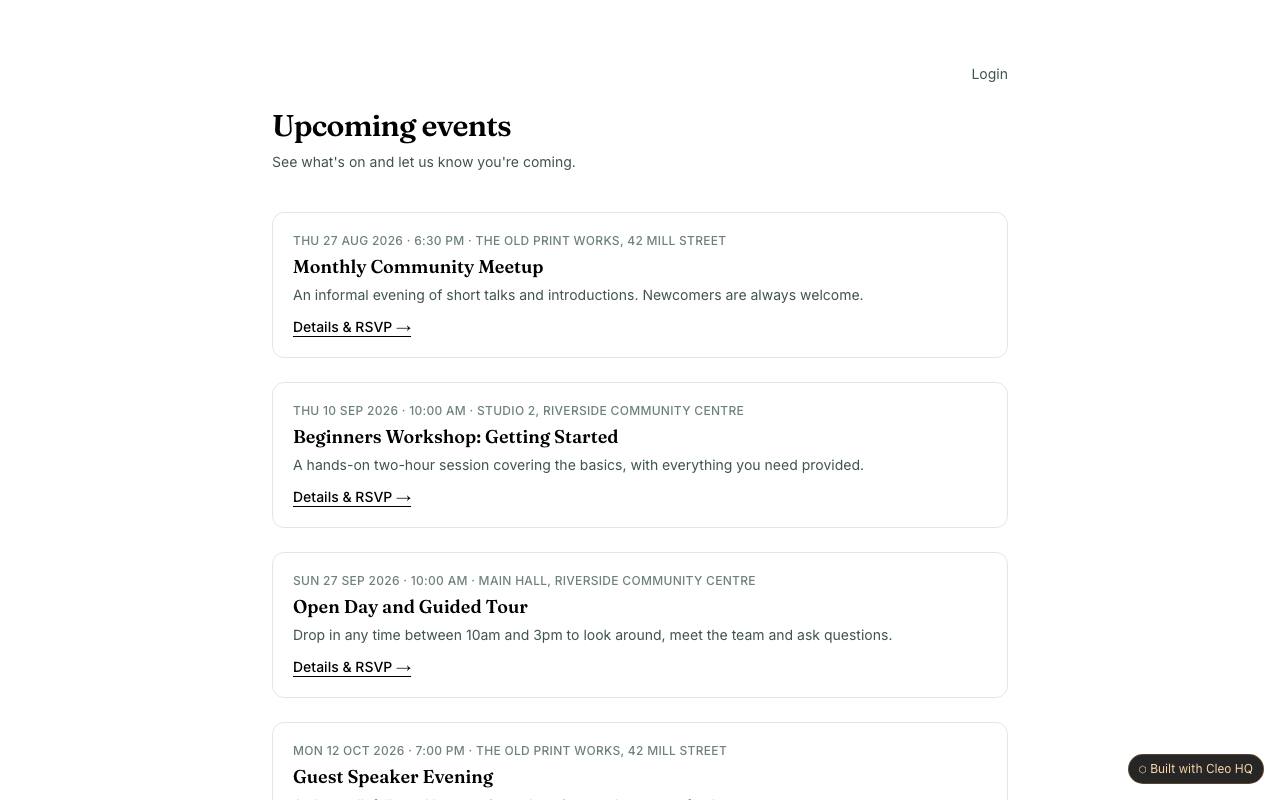
Which details belong on an event page?
Show the date, start time, location or online link, intended audience, and any cost or access information before asking for an RSVP. The example gives each event its own detail page, which helps organisers explain differences between gatherings. If an event requires registration limits, age guidance, or materials to bring, put those facts where a visitor can see them before responding.
Can someone RSVP without making an account?
Yes, the sample uses an anonymous RSVP form, which lowers the effort for a person who simply wants to say they plan to attend. Decide what contact information is truly needed for updates or attendance planning, and explain how it will be used. A no-account response can still collect useful details, but the form should not imply that a tentative RSVP is a guaranteed place.
How can an organiser use RSVP numbers when preparing?
Treat responses as a planning signal, not a promise that every person will arrive. Attendance estimates can guide room setup, refreshments, or reminder messages, while event capacity and waitlist rules may need separate handling. The sample makes it easy to gather interest; organisers should decide how they will communicate a cancellation or a change of venue to people who responded.