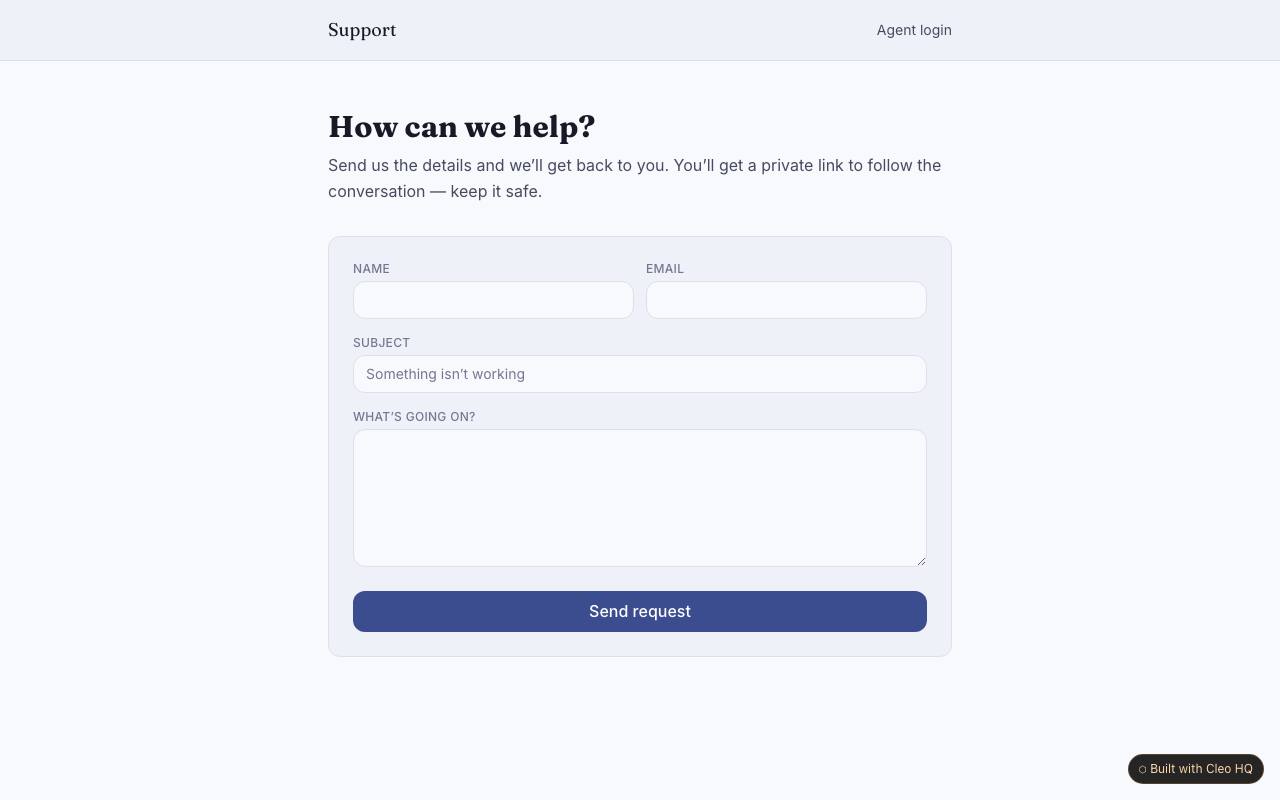
What should a ticket form ask a customer to provide?
Ask for a way to reply, a short description of the problem, and any details that help reproduce it, such as the page or action involved. Avoid making a customer repeat information the team can already see. The example accepts requests without an account; explain what information is private and never ask for passwords or payment details in a support message.
What do open, waiting and closed mean for an agent?
Choose definitions the whole team can apply consistently. “Waiting” might mean the team needs information from the customer, while “closed” should mean no further action is expected; do not use either label as a vague sign of age. The sample offers three triage states, so document when a ticket moves between them and what reopens a resolved conversation.
How can a requester return to a ticket without an account?
A private thread link lets the requester read replies without creating a password-based account. Tell them to keep the link somewhere safe and provide a support route if it is lost. The example uses private links for follow-up; avoid putting ticket content in a public address or forwarding the link to anyone who should not see the conversation.