Web app example · a repair shop or workshop owner

REPAIR JOB TRACKER WITH STATUS LINKS

This example suits a repairer such as a watch, bike, phone or tailoring shop. The owner books a job in, moves it through their own stages with an optional note, and sees at a glance what is where and what is overdue.

Each job gets an unguessable status link the customer can open without an account. It shows only that one job's item, stage and the updates the owner chose to share, while private notes stay with the shop.

Cleo is opening to founders in small batches. Join the waitlist and we'll save your spot.

Updated

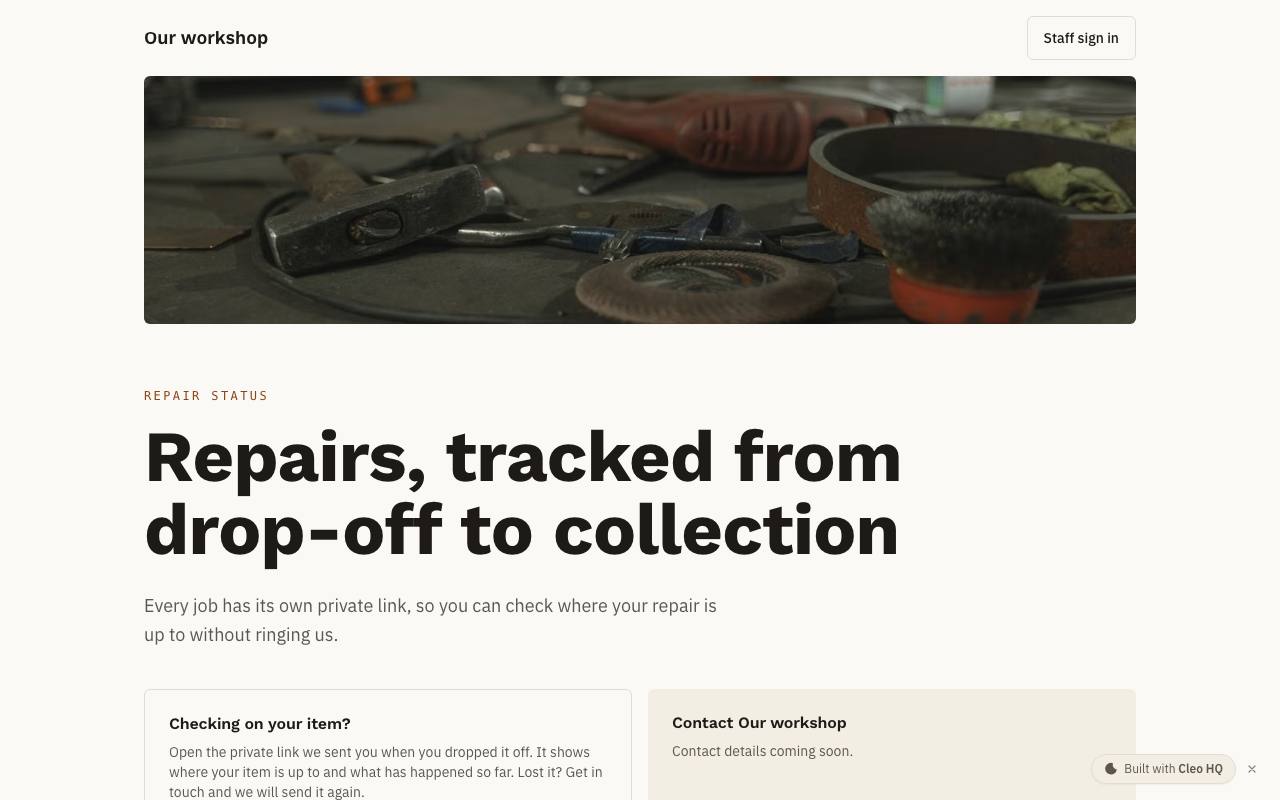
A real screenshot of Repair Job Tracker with Status Links

WHAT THIS EXAMPLE SHOWS

A job board for repairs that moves each item through the shop's own stages and gives every customer a private link to check progress. Use the sample to name the audience, the main action, and the smallest useful first version. Cleo HQ then helps turn your own brief into a product plan and a working build.

QUESTIONS FOUNDERS ASK

Can a shop use its own stages?

Yes. The owner sets the ordered list of stages to match how the work really happens, for example booked in, assessing, waiting for parts, in progress, ready and collected. Each move is written to the job's history with the date, so the owner can always see how long an item has been at each step.

What does the customer see on the status link?

The private link shows one job only: the item, its current stage, the full list of stages, the due date, the updates marked for the customer and the shop's contact details. It never shows other customers or private notes. The owner shares the link by copying it or opening a text or email from their own phone.

How are late jobs spotted?

Every job can carry a due date, and the board flags anything past it that has not reached the final stage. That gives the owner one place to see which customers are waiting longest. The app does not send messages by itself, so the owner decides when and how to tell a customer about a delay.