Web app example · a person planning a budget or working with small tables

ONLINE SPREADSHEET WITH FORMULAS AND SHEETS

Work with a real grid of values and formulas, rather than a table that only stores records. This spreadsheet supports several sheets, cell references and common calculations, giving a small budget or planning task a practical place to grow.

Start from an example budget, change the figures and inspect the updated results. CSV files move individual sheets between tools, while a workbook backup preserves the editable structure. The example uses browser storage and a limited formula language, with its boundaries made clear.

Cleo is opening to founders in small batches. Join the waitlist and we'll save your spot.

Updated

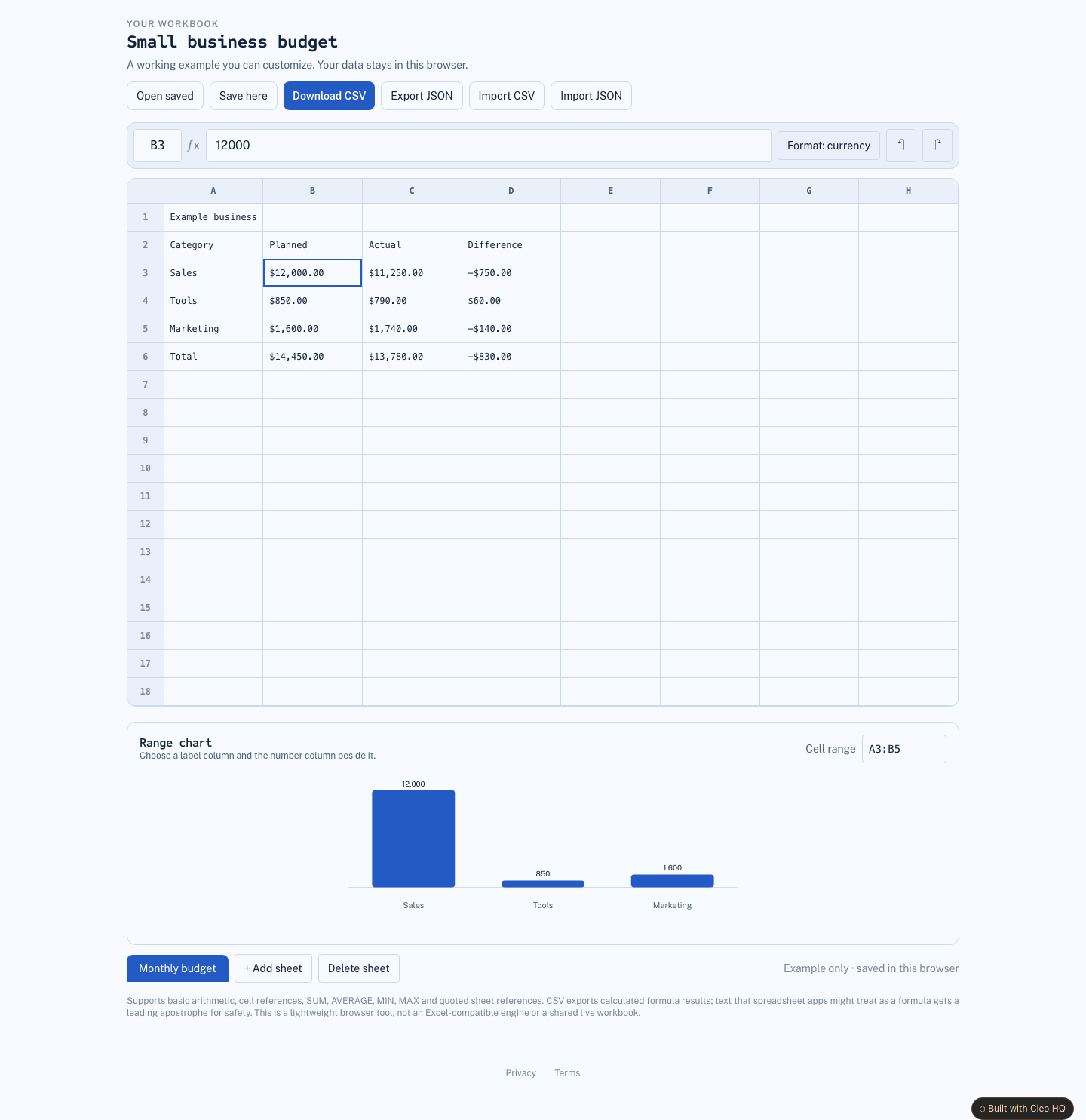
A real screenshot of Online Spreadsheet with Formulas and Sheets

WHAT THIS EXAMPLE SHOWS

Build a personal workbook with multiple sheets, arithmetic formulas, cell references and CSV import/export, with clear browser-save feedback. Use the sample to name the audience, the main action, and the smallest useful first version. Cleo HQ then helps turn your own brief into a product plan and a working build.

QUESTIONS FOUNDERS ASK

Which formulas can I use in a workbook?

The workbook supports arithmetic, cell references and common functions such as SUM, AVERAGE, MIN and MAX. You can use ranges to work across several cells. Formula errors are shown in the grid so a missing reference or circular calculation does not quietly become a convincing number. Check the app’s help for the supported syntax.

Will this open every Excel workbook?

The example is a lightweight spreadsheet with CSV import and export, plus its own editable workbook backup. It does not promise compatibility with every Excel feature or file. Macros, advanced functions and external data connections need separate support; review the imported values before relying on a sheet moved from another tool.

How do I keep a spreadsheet when changing devices?

Save a workbook backup file before you leave the current browser, then open that file on the other device. Browser saving keeps work locally and does not synchronize it through an account. Export CSV when you need the active sheet’s values in another application, while keeping the editable backup for future changes.