Can I combine files and save only selected pages?
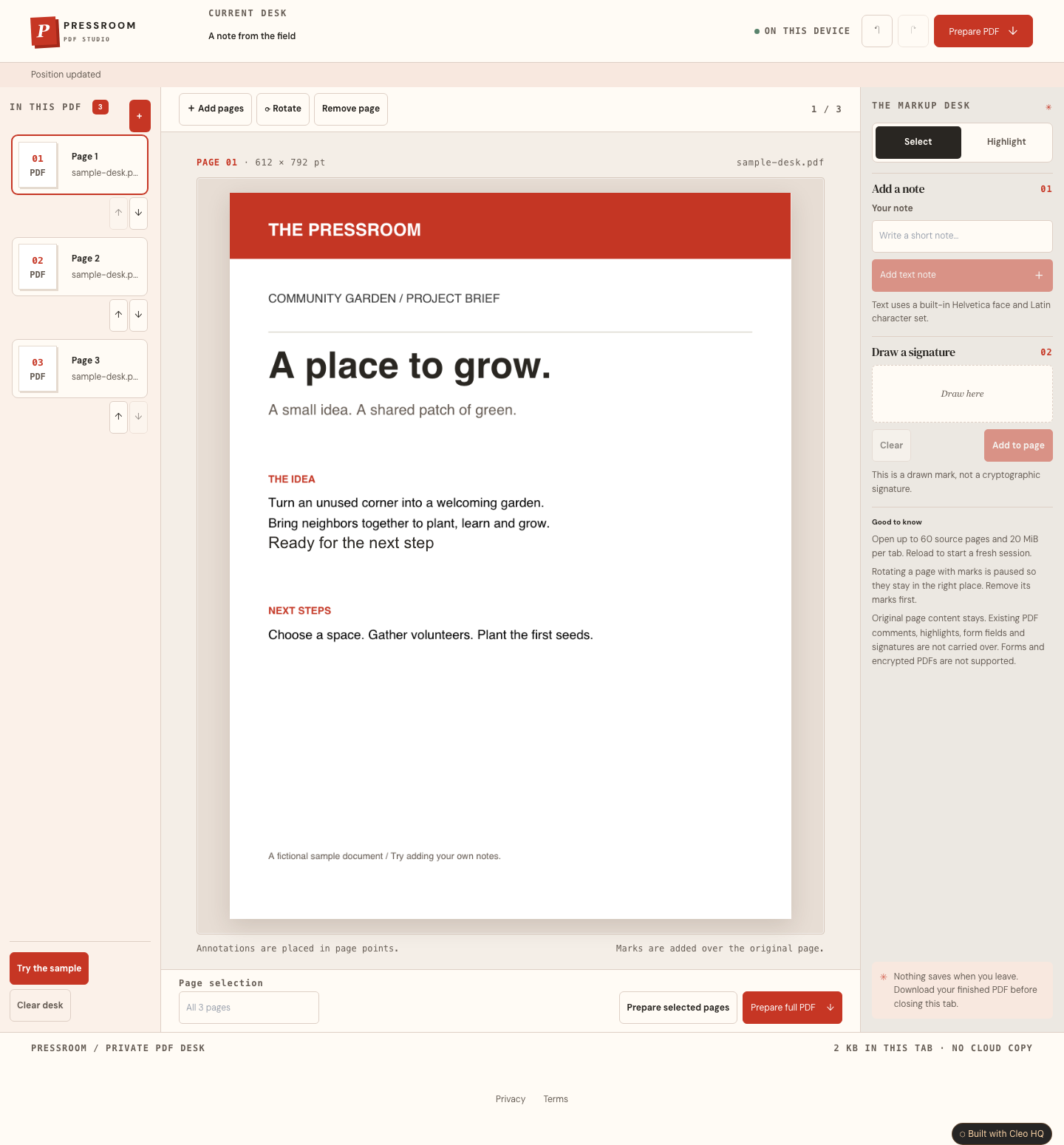
Yes. Open PDFs from your device and arrange their pages using the page tray or move buttons. Download the whole document, or enter page numbers such as 1,3-5 to extract a smaller PDF in document order. Text notes, highlights and drawn marks on those pages appear in the exported file.
What kinds of edits and files does the studio support?
Pressroom adds new text, highlights and drawn signatures over ordinary page content. It cannot edit original words, securely redact text or create verified digital signatures. Encrypted files and interactive forms are rejected. Original annotation layers are excluded. Remove new marks before rotating a page. Sessions allow 20 MiB and sixty source pages, with two hundred new marks per document.
Where are my files stored, and how do I keep my work?
Files and edits stay in the current browser tab. There is no account, database, upload or automatic saving. Download your finished PDF before leaving or closing the tab. You can reopen that PDF later, but its added marks become part of the page content. Reload the studio when you want a fresh session and its full file allowance.