Do I need an account to make a presentation?
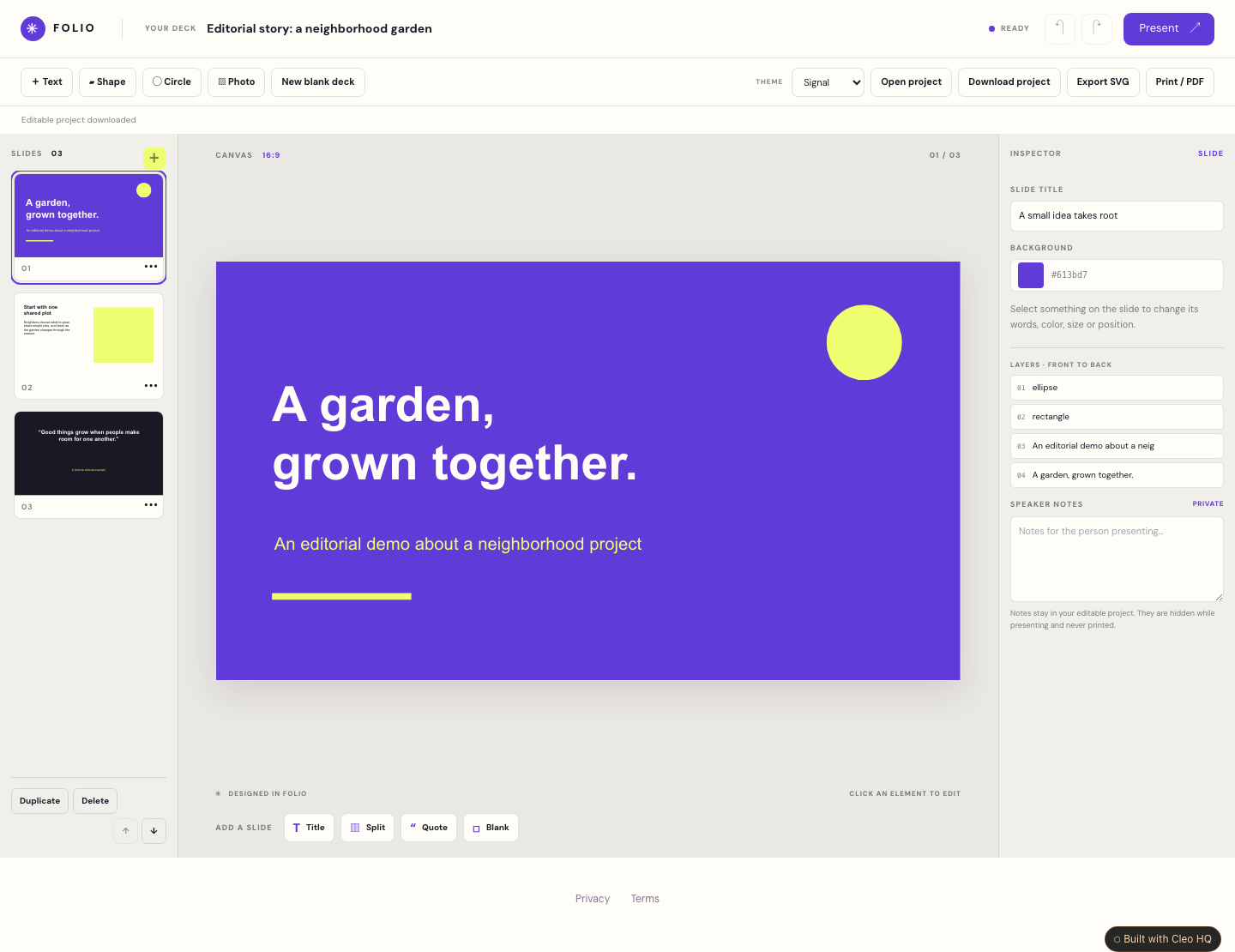
No. The default presentation builder runs in your browser without an account, database or upload. Text, photos and notes stay in this tab. Download an editable project backup before closing or refreshing, then reopen that file to continue on another device. Work is not saved automatically.
Can I export a PDF or open a PowerPoint file?
Print all slides through the browser print dialog and choose Save as PDF where your browser offers it. Each slide gets its own clean page, with speaker notes left out. You can also download the current slide as SVG or keep the full editable project. PowerPoint and PPTX import or export are not included.
What can I put on a slide?
Add editable text, rectangles, ellipses and local PNG, JPEG or WebP photos. Move and resize elements, choose colours and layouts, reorder slides and write speaker notes. The deck uses a wide 16:9 format and supports up to thirty slides. Imported photos are resized for presentations. Live collaboration and animations are not part of this version.