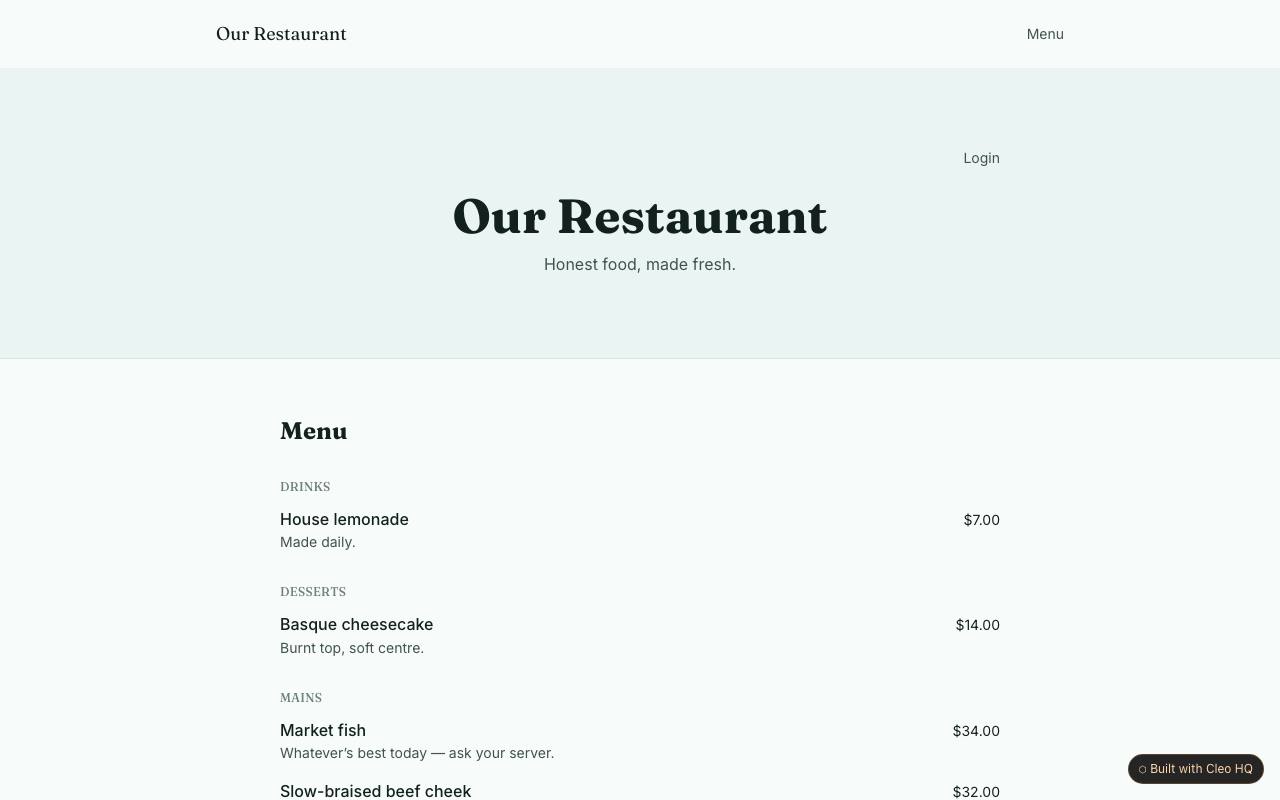
Which menu details should be visible online?
Show dish names, clear descriptions and prices, and label dietary information only when the kitchen can support it. Menus change, so assign someone to check the published version after edits. The example groups dishes into sections and provides an owner menu area; this helps visitors scan choices while giving staff a place to update routine changes.
How should a phone-first booking request work?
A guest should be able to choose a date, time and party size without pinching or scrolling through a crowded form. State whether the request is confirmed immediately or awaits a reply, and provide a phone number for urgent changes. The sample offers phone-first booking; explain the restaurant’s actual process so guests do not assume a request has reserved a table.
How can I keep restaurant hours trustworthy?
Publish regular opening hours and make exceptions for holidays or private events easy to notice. If hours change, update the page and any linked booking details together. The site places hours beside menu and contact information because those facts shape a visit; use wording such as “last orders” when it differs from the venue’s closing time.