What can I keep in a trip plan?
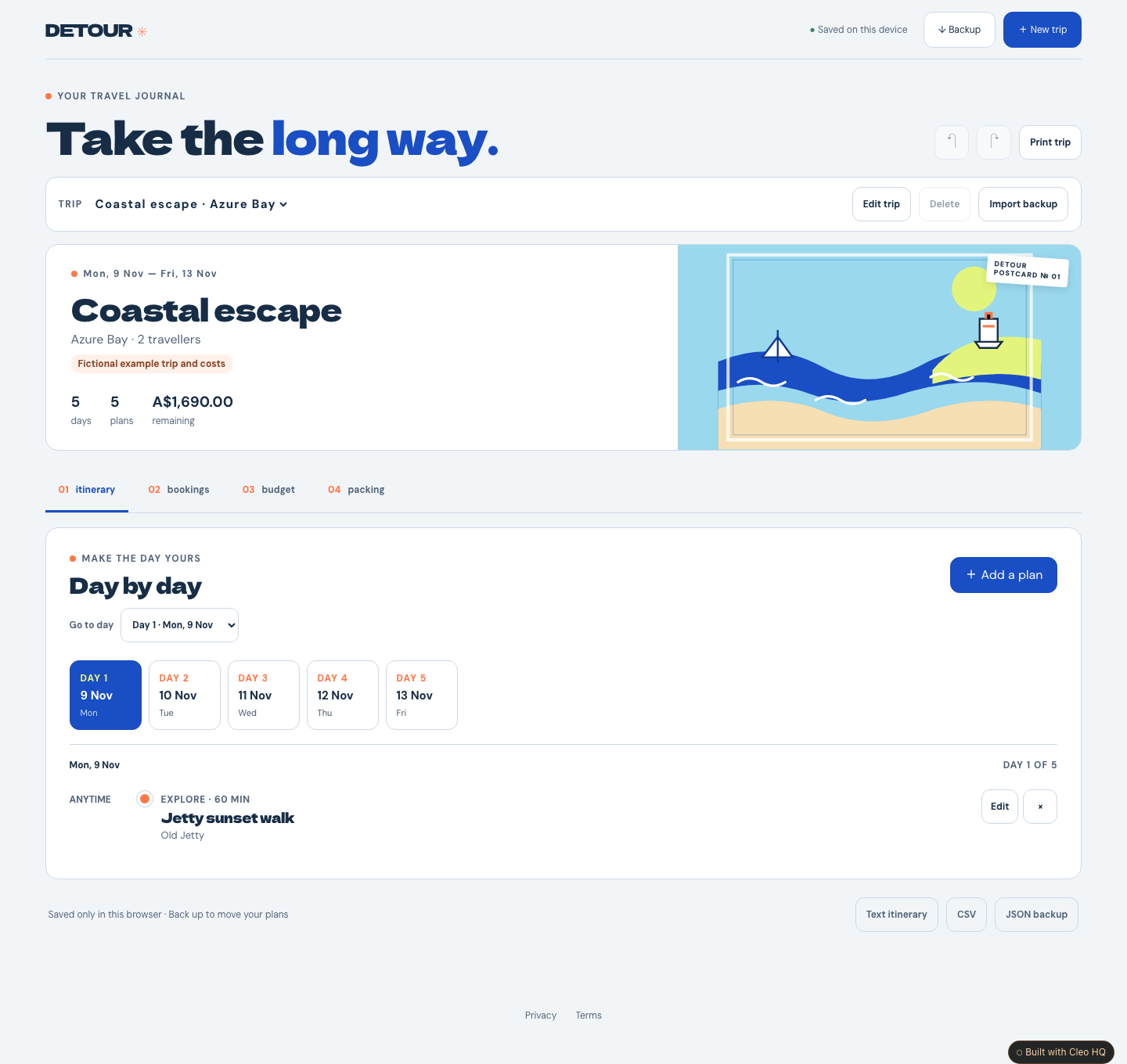
Give each trip a name, destination, dates, traveller count and one budget currency. Add dated activities with times and places, then keep a packing checklist for the things you want to bring. Detour allows up to eight trips, each lasting up to 31 calendar days, with up to 200 activity notes. The sample is fictional and editable; check all details yourself before relying on a plan.
Does Detour book or confirm flights and stays?
No. Booking notes are for details you have already received from a travel provider. You can record the type, dates, provider, reference and whether you have manually marked it planned or confirmed. Detour does not contact providers, make reservations, check a reference, or verify a booking. Add sensitive details only if you are comfortable storing them in this browser, and keep provider confirmations in their original source.
Where are my trip details saved, and can I move them?
Your notebook saves in this browser on this device, without an account or cloud sync. Download the JSON backup to keep a copy or restore it in another browser. You can also export a readable text summary, CSV, or use your browser’s print option. Each trip uses one currency, and amounts in different currencies are not converted. Avoid storing passport scans or other documents here; uploads are not supported.