Web app example · a charity, event or community organiser

VOLUNTEER SHIFT SIGN-UP AND ROTA

This example replaces the shared spreadsheet or group chat many volunteer teams use. The organiser adds shifts and how many people each one needs, and every shift shows how many more helpers it still needs.

Volunteers sign in, put their own name down and see who else they will be working with. They can take their name off up to a set time before a shift starts, so the organiser always knows where the gaps are.

Cleo is opening to founders in small batches. Join the waitlist and we'll save your spot.

Updated

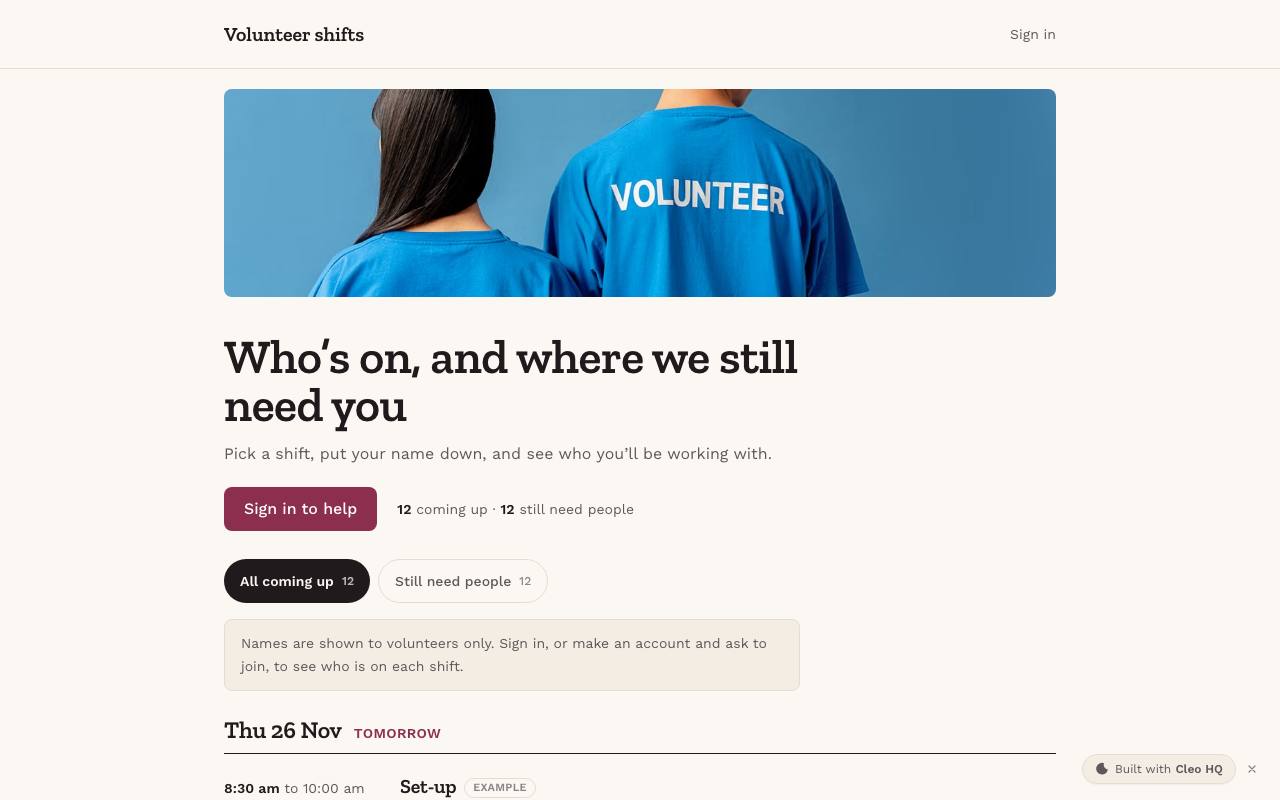
A real screenshot of Volunteer Shift Sign-Up and Rota

WHAT THIS EXAMPLE SHOWS

A volunteer rota where the organiser adds shifts and how many people each needs, and volunteers put their own names down. Use the sample to name the audience, the main action, and the smallest useful first version. Cleo HQ then helps turn your own brief into a product plan and a working build.

QUESTIONS FOUNDERS ASK

How do volunteers sign up?

A volunteer signs in, picks a shift with space left and puts their own name down. The shift updates straight away to show how many more people it needs. There is no organiser step for each sign-up, which saves the back and forth of messages that usually comes with filling a rota.

Can volunteers see who else is on?

Yes, but only signed-in volunteers can see names. A visitor sees the shifts and how many people each still needs, without anyone's name. That lets helpers know who they will be working with while keeping the team list away from the public page.

What if a volunteer can no longer make it?

A volunteer can take their own name off up to a cut-off before the shift starts. After that, the shift is locked so the organiser is not surprised at the last minute. The organiser can still change the rota themselves when plans really do change.