What makes a prompt useful in a single-purpose AI tool?
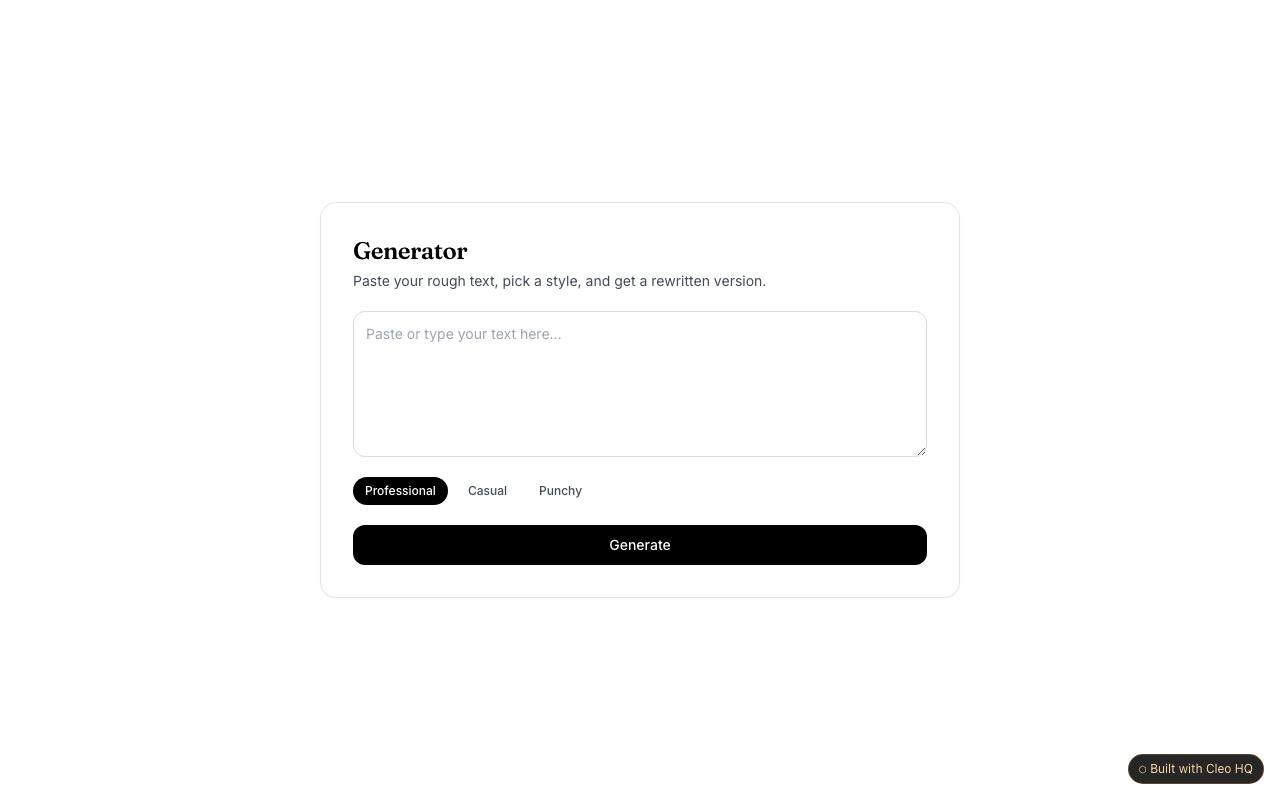
A useful prompt gives the tool the context needed for its specific job: the audience, goal, key facts, and desired tone. The example pairs prompt entry with preset styles, which can help users get started without knowing how to write elaborate instructions. Show a concrete sample prompt and tell people which details they should supply for a relevant draft.
Why offer preset writing styles?
Presets give users a simple way to request a different voice without rewriting the whole prompt. They work best when each option has a clear, understandable effect, such as concise or warm, rather than vague labels that sound interchangeable. The sample includes style choices; test them against the tool’s actual output and remove any preset that does not produce a meaningful difference.
Should users publish AI-generated text without checking it?
They should review it first. A generated draft can misunderstand context, omit an important detail, or state something that was never supplied. For a business-facing tool, let users edit the result and remind them to verify names, figures, promises, and other claims before sharing. The product should make review feel like a normal step, not an exception for unusual cases.