tool
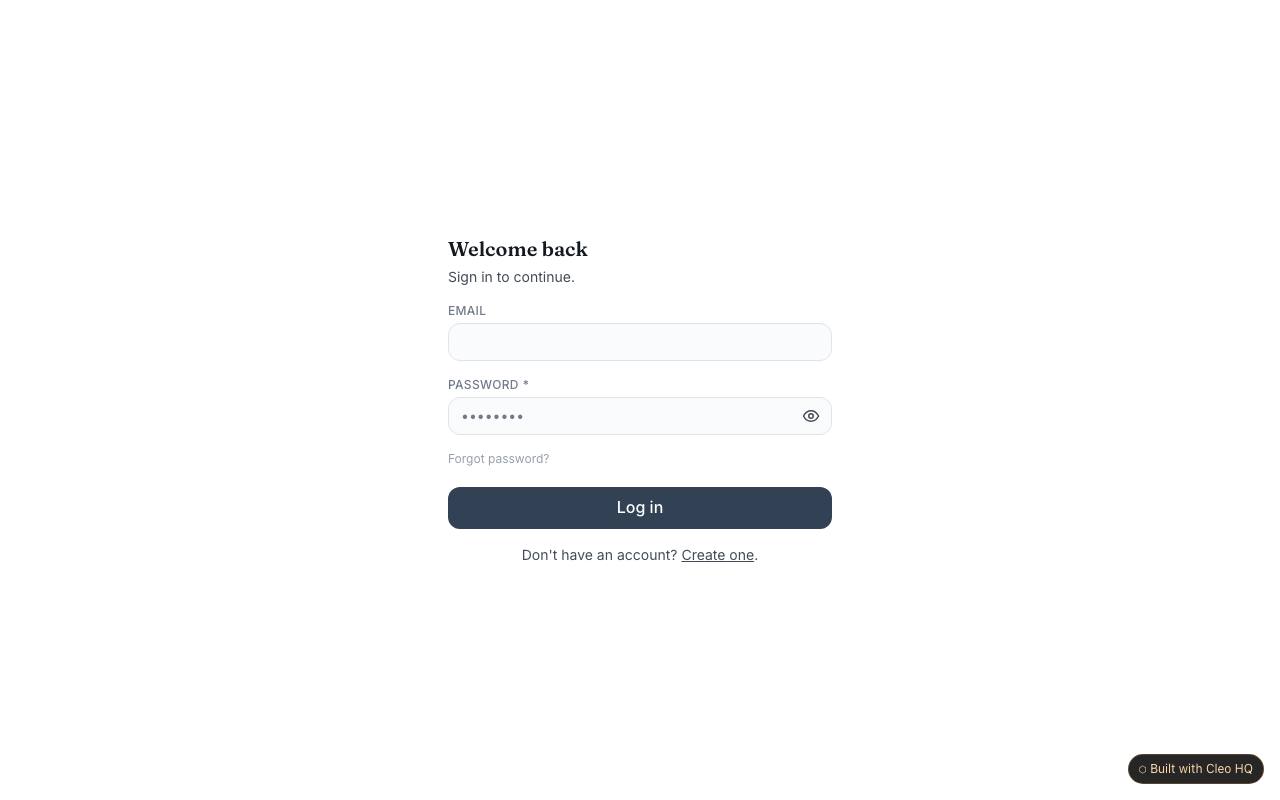
Back-Office Workflow Tool
A private back-office workspace lets a team create and manage records through a table and an admin area.
See how it works →Showroom category
These examples share a common product area. Review what each sample includes, then use the one closest to your idea as a starting brief.
tool
A private back-office workspace lets a team create and manage records through a table and an admin area.
See how it works →
tool
A personal workspace for logging items or activity and reviewing the collection from a dashboard.
See how it works →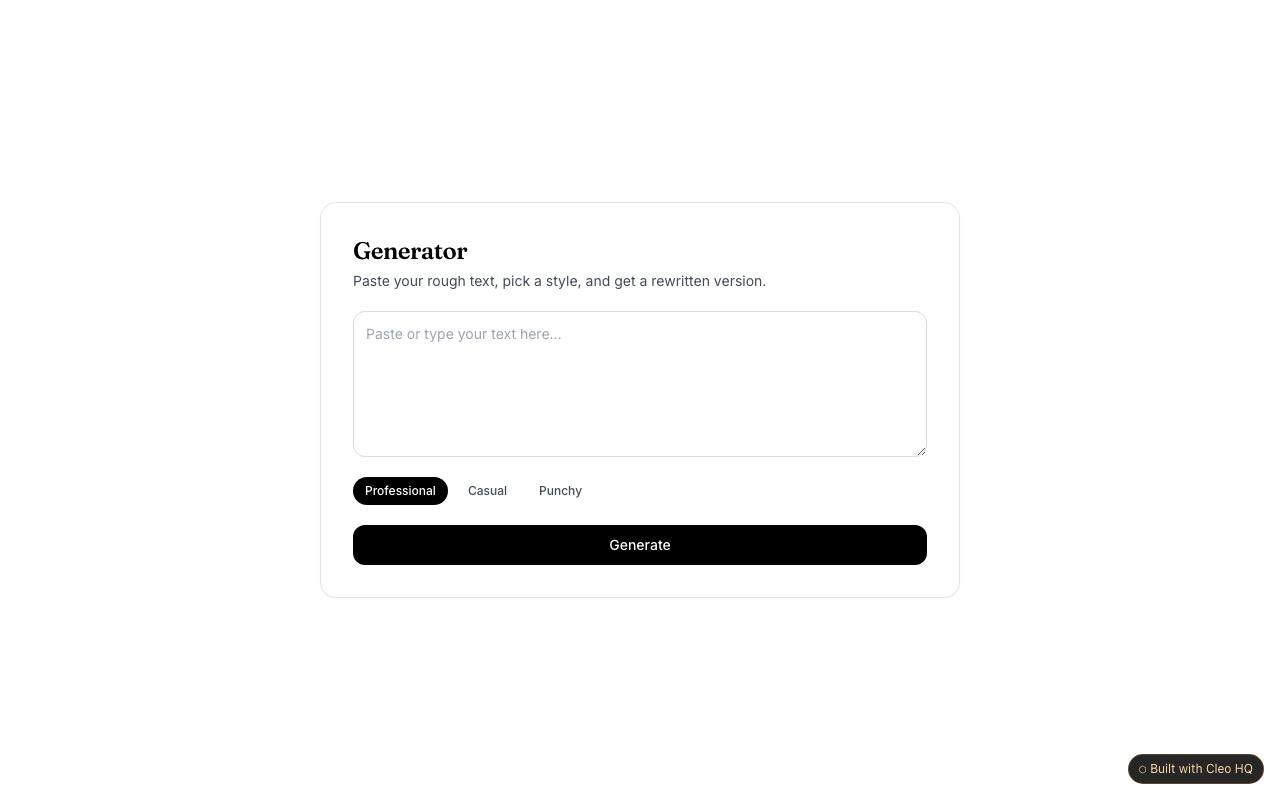
tool
A focused AI writing tool accepts a prompt, offers preset styles and returns generated text through the founder’s chosen AI service.
See how it works →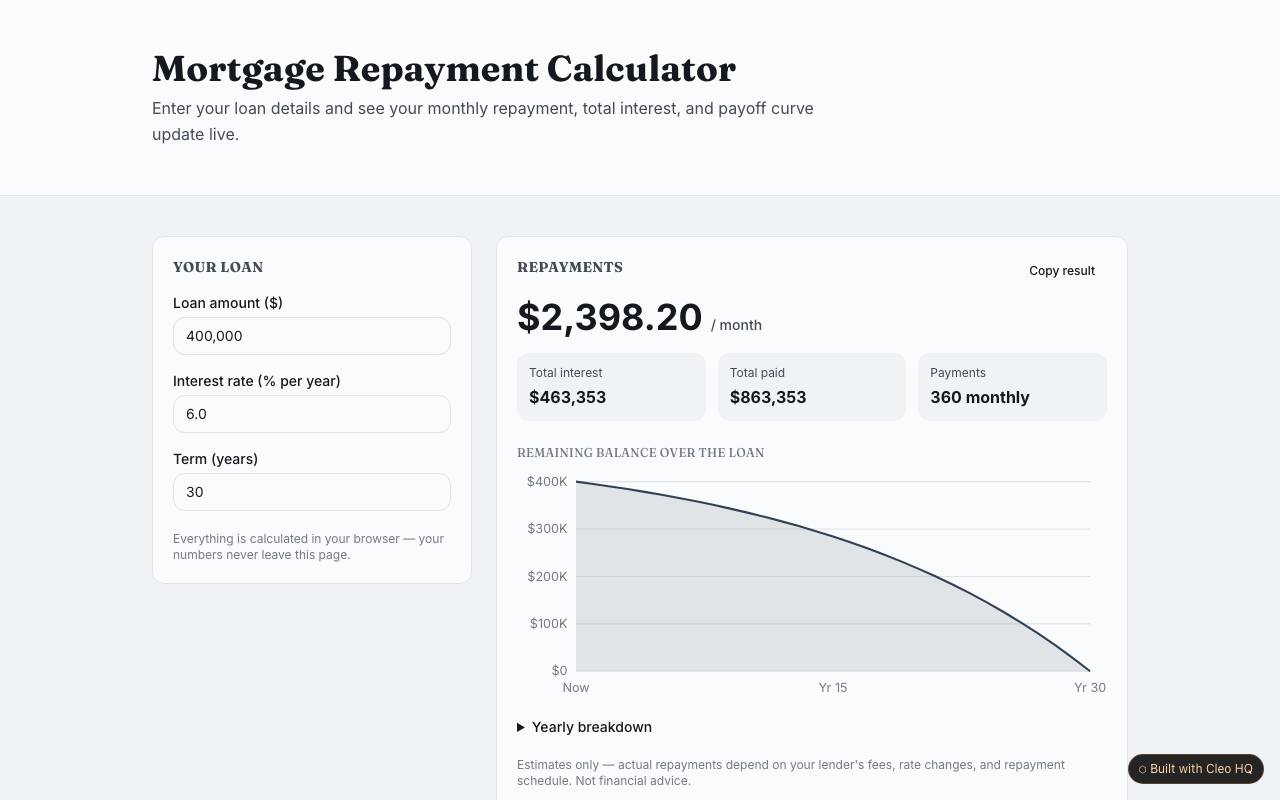
tool
A browser-based calculator, converter or generator pairs an input panel with live results, a chart and a copy action.
See how it works →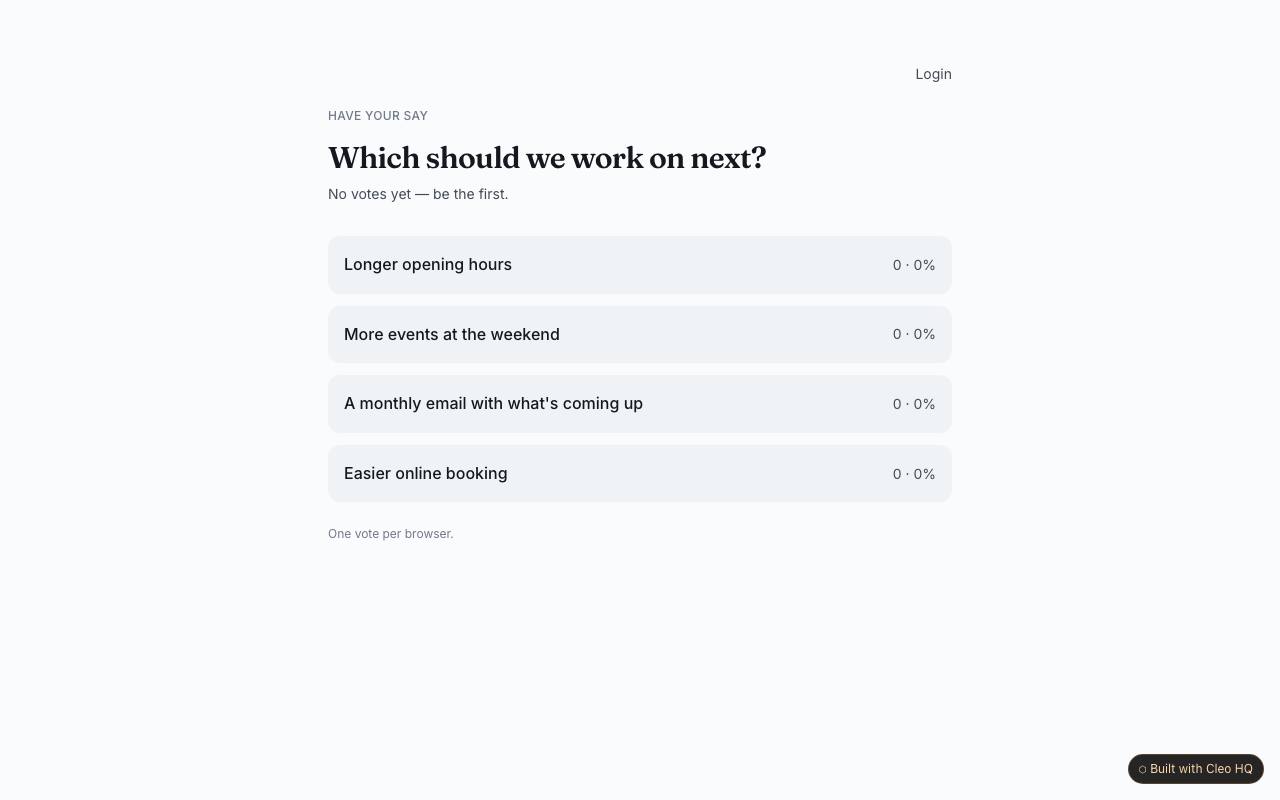
tool
A public poll collects anonymous votes and displays each answer option’s count and share of responses.
See how it works →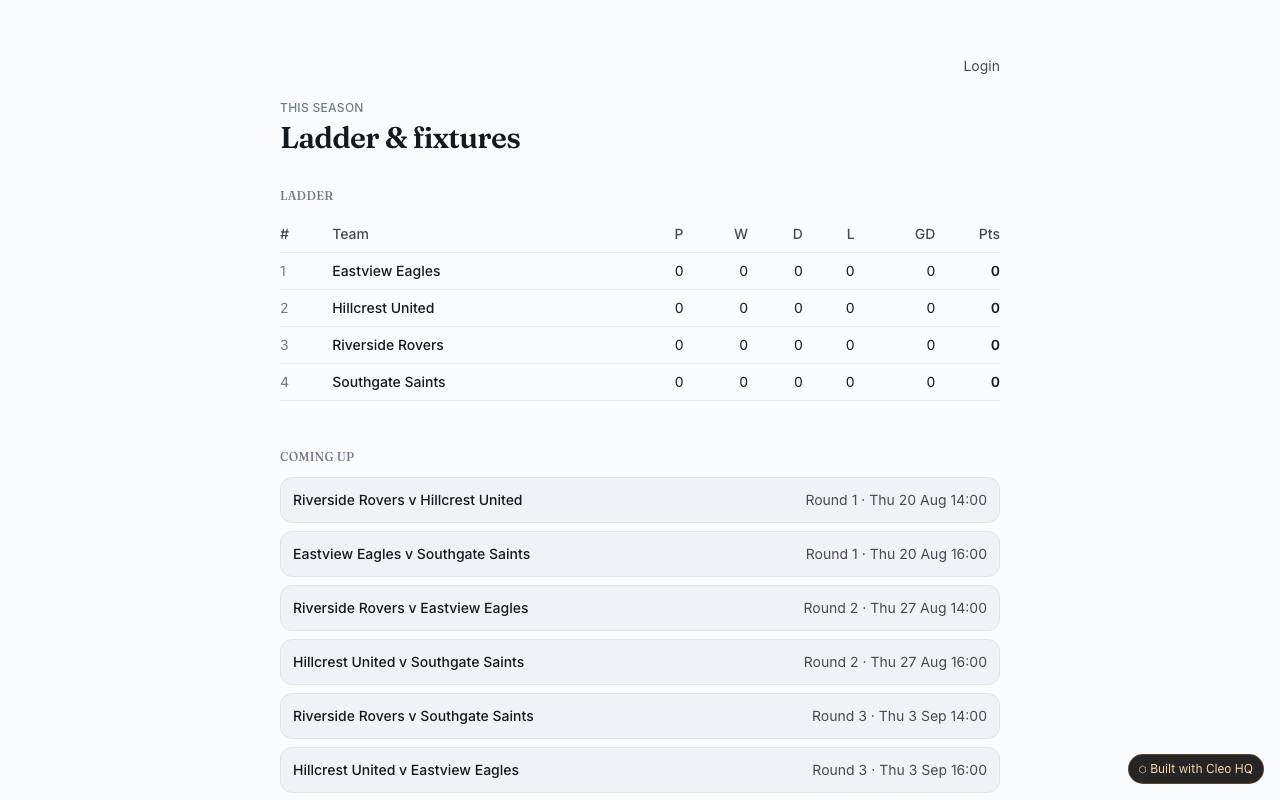
tool
A public competition page connects a standings table with upcoming fixtures and recorded match results.
See how it works →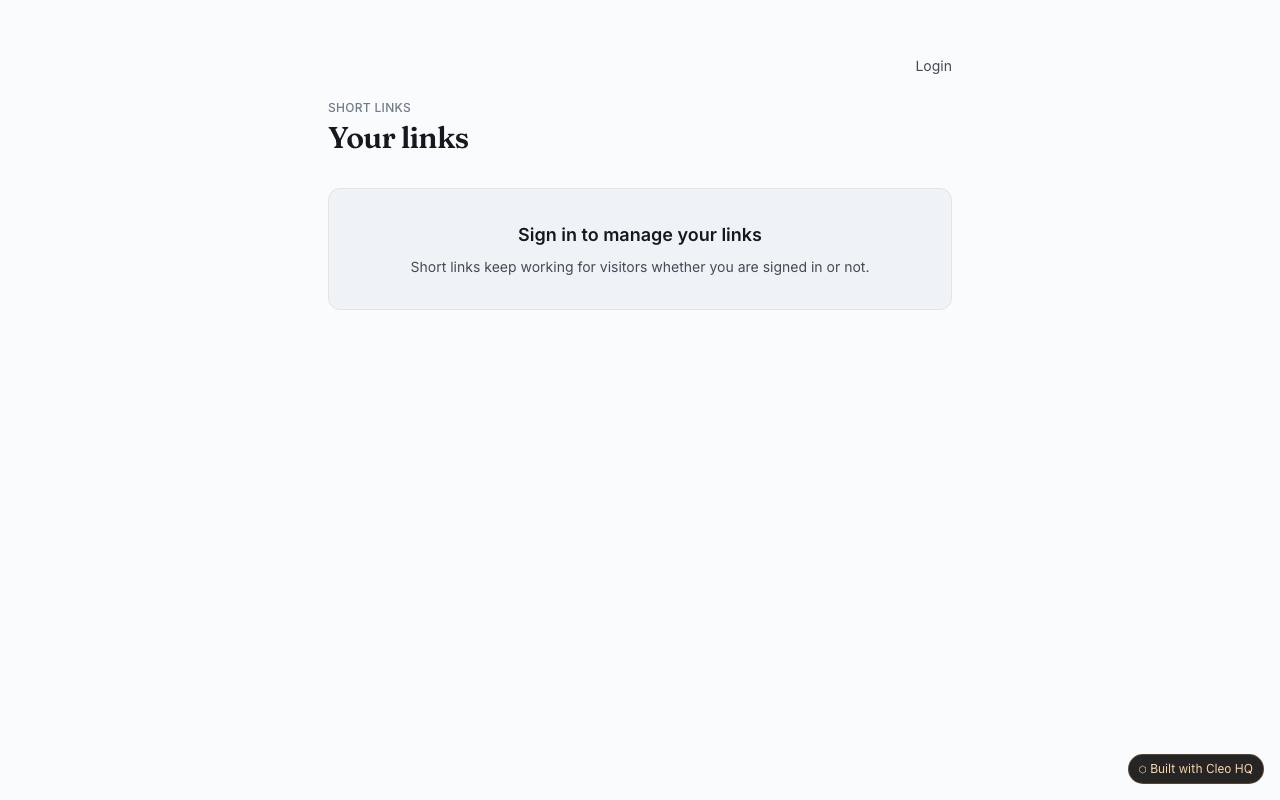
tool
Create short links with optional custom names and review how often each destination is opened.
See how it works →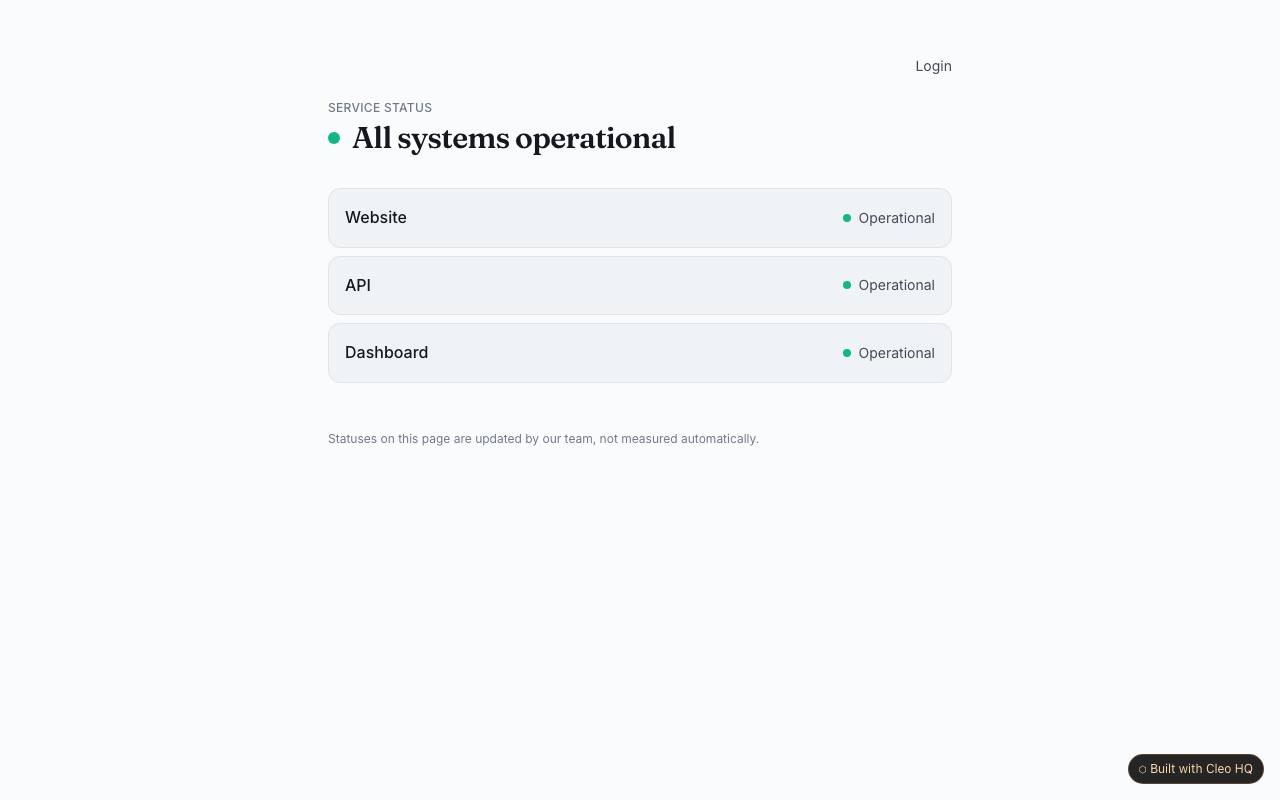
tool
A public status page reports service conditions, current incidents, an overall headline and a history of resolved issues.
See how it works →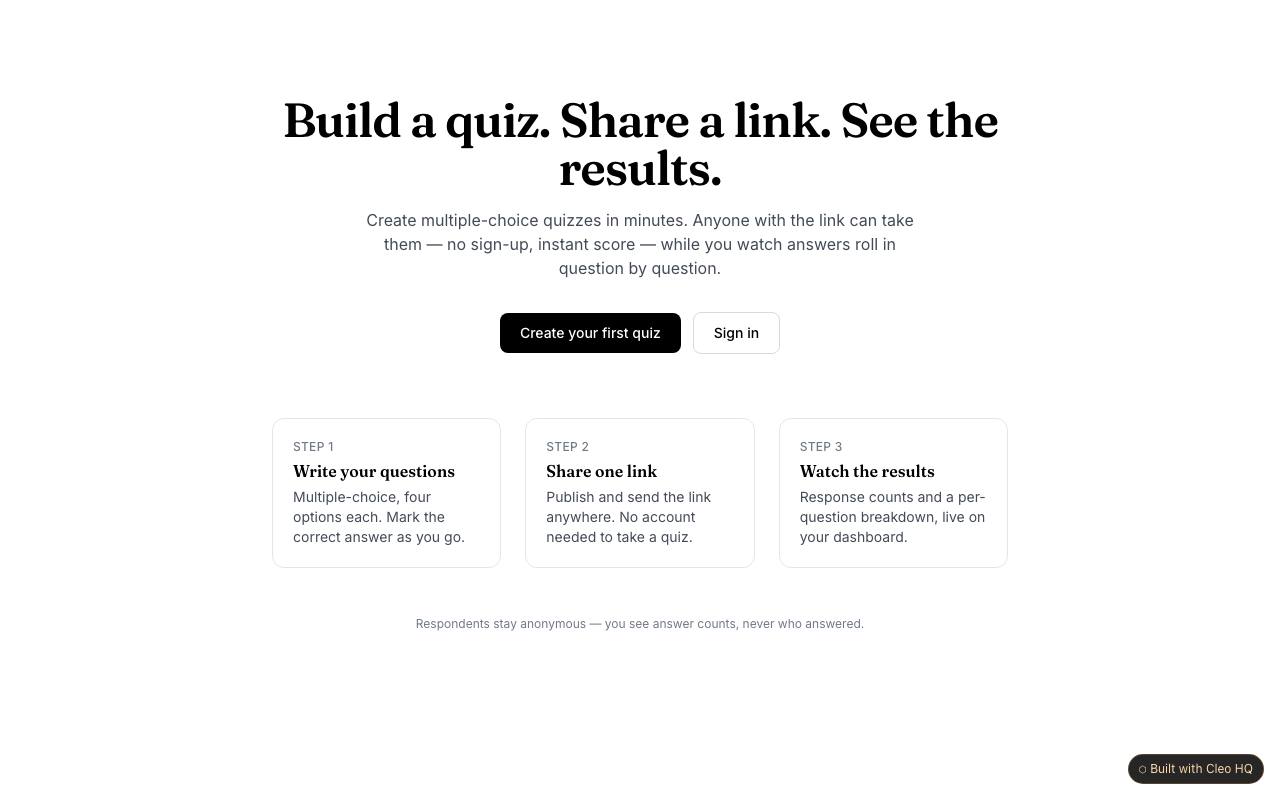
tool
Quiz creators prepare multiple-choice questions and share a public link where respondents can answer without an account.
See how it works →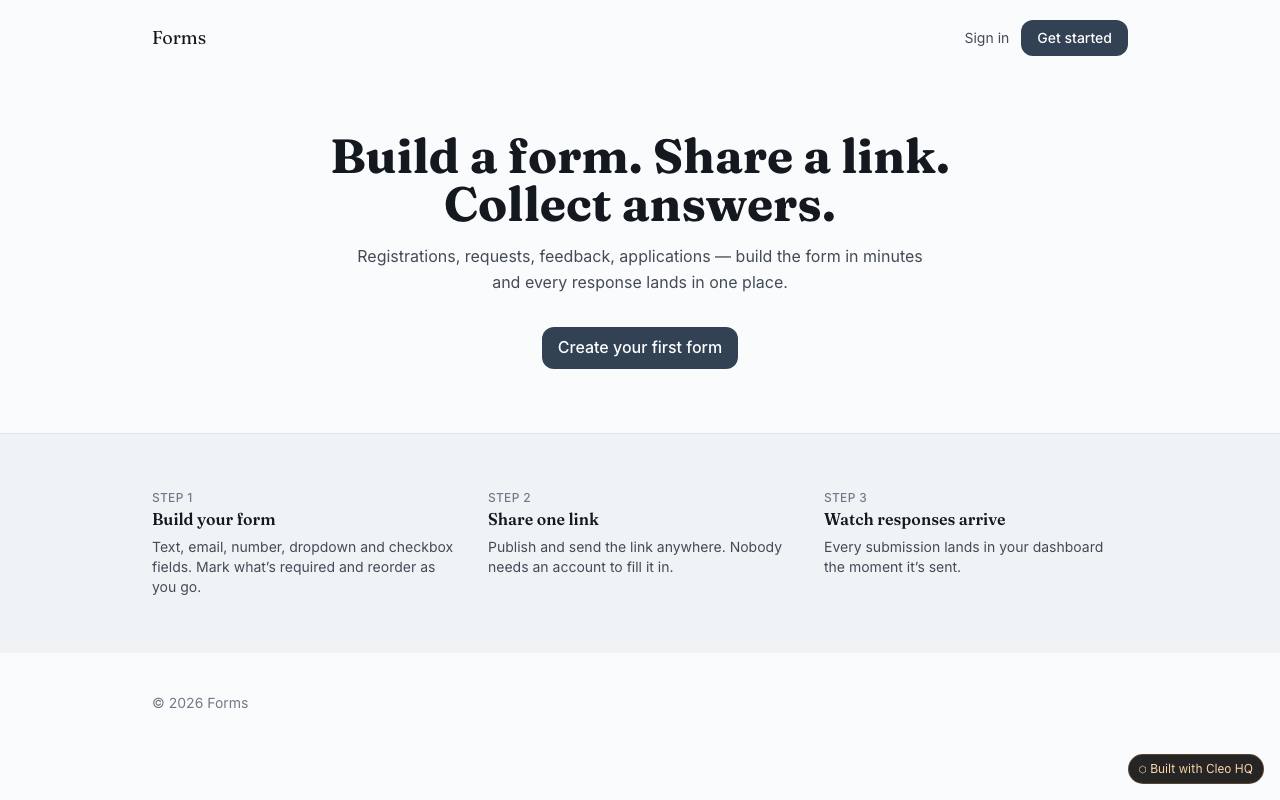
tool
A form creator offers typed questions, a shareable response page and a dashboard table for reviewing submissions.
See how it works →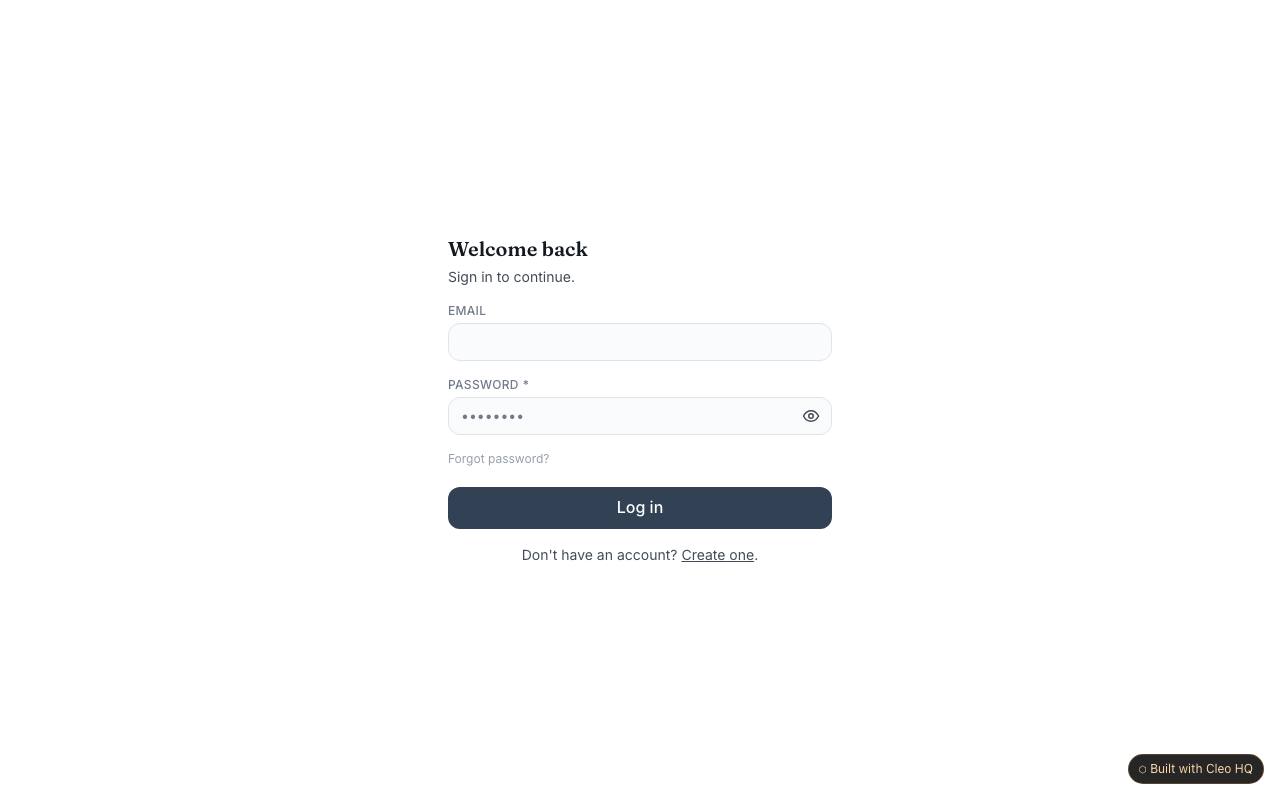
tool
A shared team workspace tracks client projects, tasks, hours and notes with an overview spanning multiple projects.
See how it works →