How do I keep calculator inputs from being misunderstood?
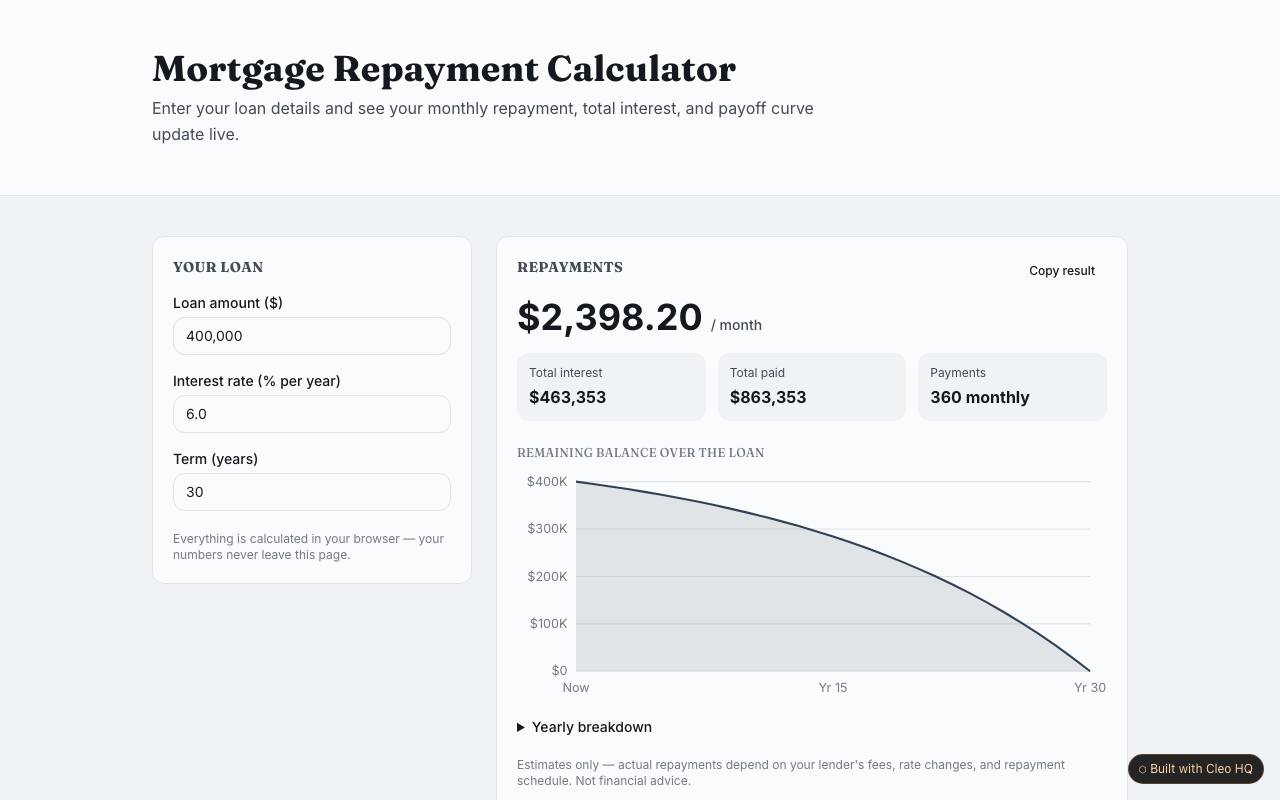
Label each input with its unit and show an example of the expected format. If a value has a valid range, make that visible before the user submits it. The sample updates results as inputs change, so clear labels matter even more: a person should be able to tell which result changed and why without guessing whether the tool expects dollars, percentages, or whole numbers.
What does the chart add to a utility tool?
A chart can reveal how a result moves as an input changes, which a single number may not show. Use it when comparison over a range is part of the question; do not add a graph merely for decoration. The example pairs live results with an inline chart. Include axis labels and a short explanation so the visual remains understandable to someone who does not work with charts every day.
When should a user copy a result instead of taking a screenshot?
A copy action is useful when the output needs to be reused in a message, document, or calculation. Make the copied format readable on its own, including labels or units that would otherwise be lost outside the page. The sample includes a copy-result button; tell the user when it has worked and preserve the visible result so they can verify what they copied.